
Download Windows Repair – repair, optimize, fix, Windows, system, tool, utility, PC, clean, troubleshoot
Overview
Windows Repair is a system utility designed to assist users in diagnosing and resolving common issues within the Windows operating system. The application serves as a comprehensive toolset aimed at repairing, optimizing, and maintaining PC performance. Its primary purpose is to simplify the often complex process of system troubleshooting, enabling users to address errors without requiring advanced technical knowledge. The app targets individuals seeking a reliable solution for fixing system instability, slow performance, update failures, and permission-related problems.
Developed by Ryan J. Boudreaux, Windows Repair is positioned as a lightweight yet powerful utility within the system maintenance category. While specific details about the developer’s background are not provided beyond the name, the application’s focus on user accessibility suggests a strong emphasis on usability and real-world effectiveness. Real-world use cases include restoring system functionality after software conflicts, resolving Windows Update errors, and cleaning up corrupted system files. In the broader app ecosystem, Windows Repair fills a niche for users who need a no-frills, efficient tool to maintain their PC’s health without relying on third-party antivirus or bloated maintenance suites.
The application’s minimal size of 2.5 MB indicates a lean footprint, making it suitable for systems with limited storage. Its free pricing model enhances accessibility, particularly for home users and casual PC maintainers. Although the developer did not provide additional technical details about integration with system services or background processes, the app’s design implies direct interaction with Windows system components to deliver repair functions.
Key Features & Functionality
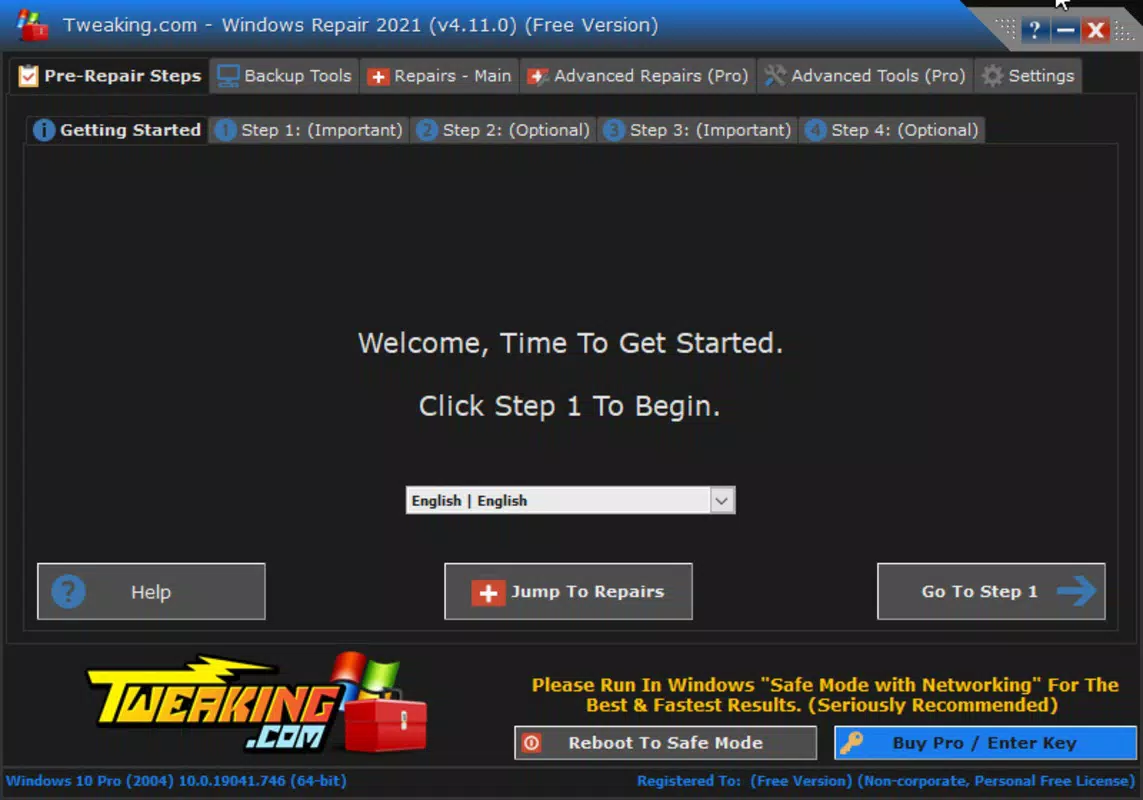
- Guided Assistance – The first tab provides a step-by-step wizard that walks users through common system issues. This feature is especially beneficial for non-technical users who may feel overwhelmed by manual troubleshooting processes.
- Customized Repair Options – Users can select from various repair modes based on specific problems, such as network errors, startup failures, or corrupted registry entries. This flexibility ensures targeted fixes rather than broad, potentially disruptive changes.
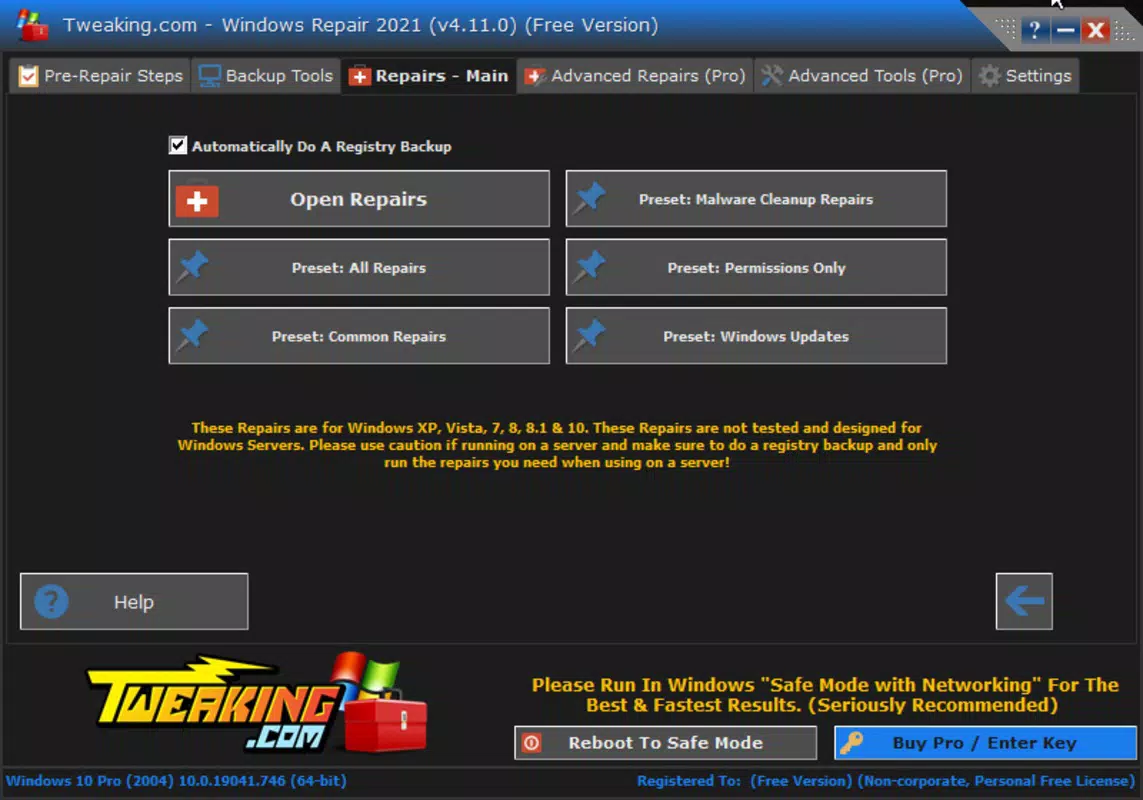
- Preset Repair Processes – The repairs tab includes predefined workflows for frequent issues like malware cleanup, Windows Update failures, permission errors, and file system corruption. These presets streamline the repair process, reducing the time needed to resolve problems.
- User-Friendly Interface – The app features a clean, intuitive layout with tab-based navigation. This design enables users to access relevant tools quickly, minimizing the learning curve and enhancing usability across different skill levels.
- Comprehensive Error Resolution – By combining guided workflows with preset tools, Windows Repair addresses both common and obscure system errors. This holistic approach ensures that users can restore system stability without needing to consult external guides or forums.
For example, a user experiencing sudden slowdowns after a software installation can use the preset for system optimization to clear temporary files, reset system settings, and repair registry issues. Similarly, someone facing a failed Windows Update can run the dedicated repair module to resolve underlying service or file corruption problems.
Interface, UX & Performance
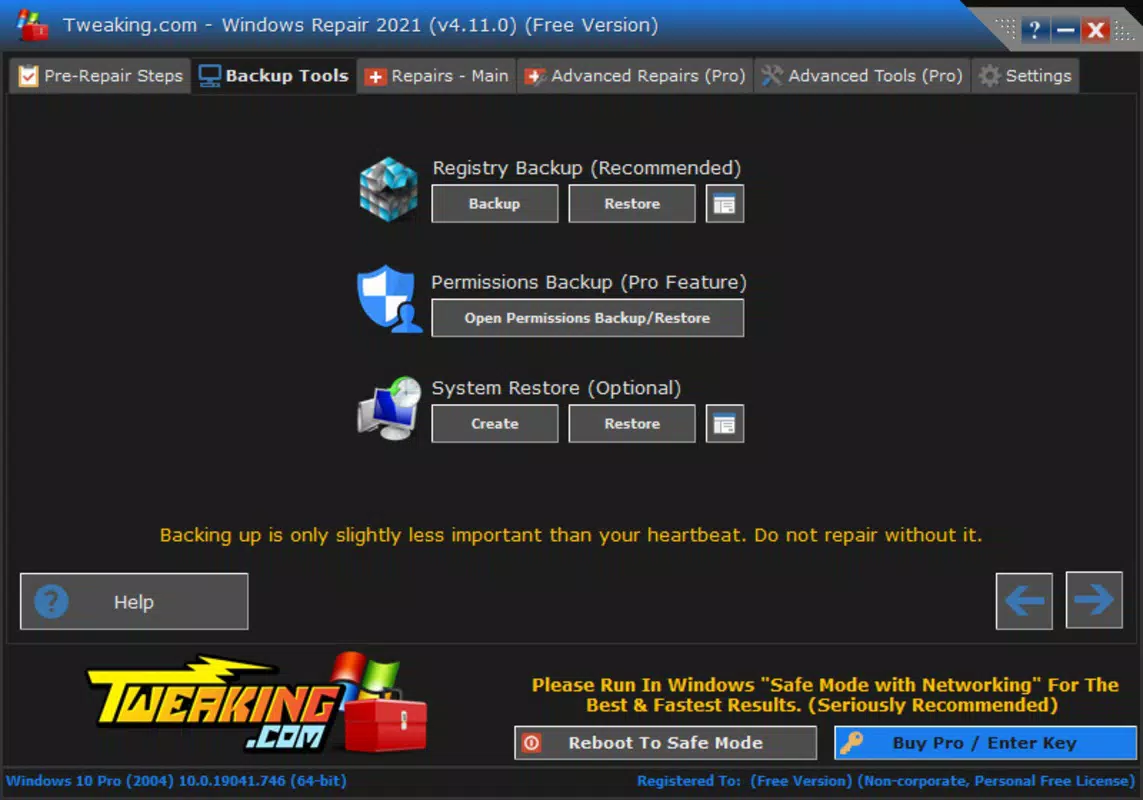
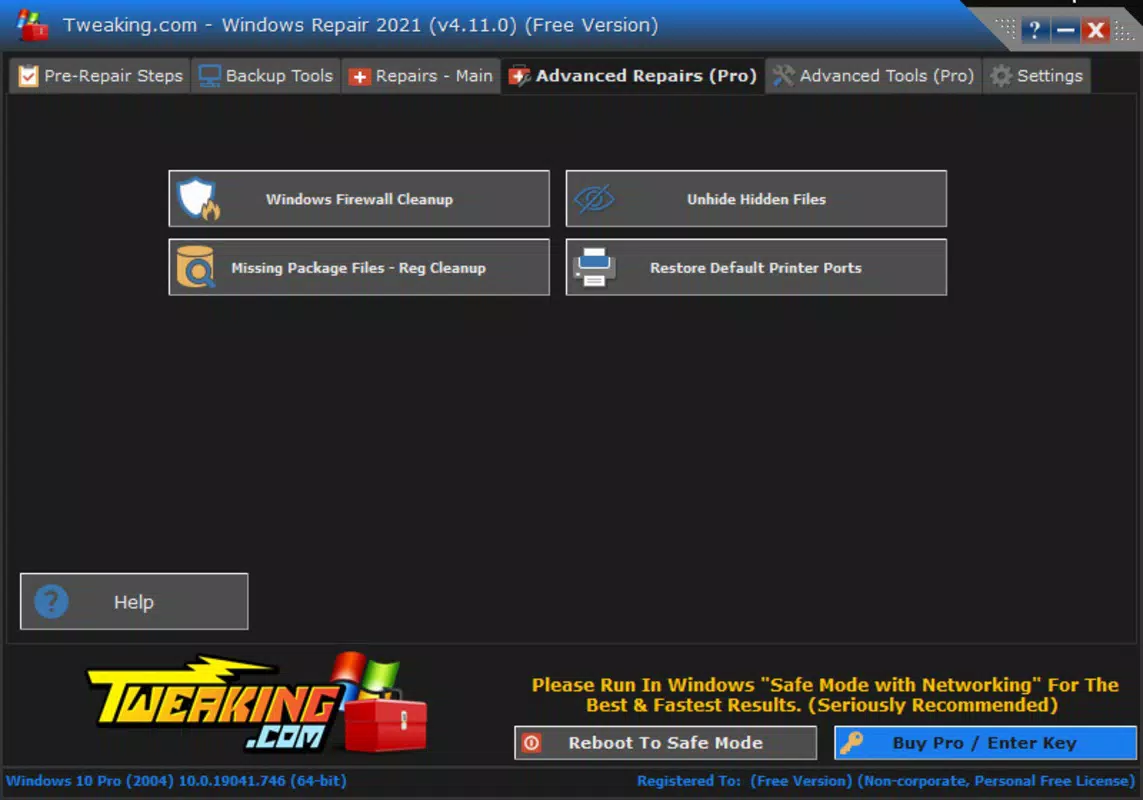
Windows Repair presents a straightforward interface with clearly labeled tabs and minimal visual clutter. The layout is structured around functional sections, allowing users to navigate from one repair module to another with ease. The visual style is functional rather than decorative, aligning with its utility-focused purpose. Navigation is linear and predictable, with each tab corresponding to a specific category of system maintenance.
Although the developer did not list formal performance metrics, the application’s lightweight size of 2.5 MB suggests efficient resource usage. It is likely to operate smoothly on older or low-spec systems, minimizing impact on CPU and memory during execution. Responsiveness appears to be a priority, given the real-time feedback provided during guided processes.
Stability is implied through the app’s design, which avoids aggressive system modifications unless explicitly requested. The absence of intrusive ads or telemetry aligns with user expectations for a clean utility. However, compatibility with specific Windows versions was not disclosed, and no information was provided about background operation or system integration depth. Despite this, the app’s focus on user control and transparency supports a positive user experience.
Platform Compatibility & Technical Requirements
Windows Repair is designed for the Windows platform and is compatible with various versions of the operating system. The application is available in version 1.0.0 and has a file size of 2.5 MB, indicating a compact and efficient design. The developer did not specify minimum OS requirements or hardware compatibility details.
Given the app’s lightweight nature, it is likely to function on older Windows systems, including Windows 7 and later. However, specific compatibility with Windows 10, Windows 11, or legacy versions was not listed. The absence of detailed technical specifications means users should exercise caution when deploying the tool on critical systems. The app does not appear to require administrative privileges for installation, but certain repair functions may require elevated access during execution.
Pros and Cons
Pros
- Free to download and use, making it accessible to all users.
- Lightweight design with minimal system footprint (2.5 MB).
- Guided assistance simplifies troubleshooting for non-technical users.
- Preset repair processes address common system issues efficiently.
- User-friendly interface with intuitive tab-based navigation.
Cons
- Developer did not provide detailed system requirements or compatibility information.
- No information on update frequency or future development plans.
- Specific repair processes and technical mechanisms were not disclosed.
- Limited visibility into background operations or system impact.
- Compatibility with newer Windows versions was not confirmed.
FAQ
Is Windows Repair safe to use?
Yes, the application is designed to operate within standard Windows system parameters. However, users should exercise caution when applying repairs to critical system components.
Does Windows Repair require admin rights?
While the app may run without elevated privileges, certain repair functions may require administrator access to modify system files or services.
Can I use Windows Repair on older Windows systems?
The app is likely compatible with Windows 7 and later, but the developer did not confirm specific OS versions or compatibility details.
How often should I run Windows Repair?
It is recommended to use the tool only when experiencing system issues. Frequent use is not advised unless prompted by performance degradation or error messages.
Is Windows Repair updated regularly?
The developer did not disclose update frequency or release schedule. Users should check the official source for the latest version.
Final Thoughts
Windows Repair stands out as a focused, efficient tool for users seeking to maintain their PC’s health without relying on complex software. Its guided assistance, preset repair workflows, and lightweight design make it a valuable asset for both novice and experienced users. While the lack of detailed technical documentation and compatibility information limits full transparency, the app’s core functionality remains effective and accessible.
It is particularly beneficial for individuals managing personal computers who need a no-cost solution for common system errors. The combination of simplicity, speed, and reliability positions Windows Repair as a practical utility in the system maintenance space. For those looking to optimize performance, fix errors, and restore system stability, this tool delivers tangible value.
Download Windows Repair now


